
Motorized retractable screens need very little upkeep, and the first thing MagnaTrack says about caring for them is the simplest: the more frequently you use the system, the better it will perform.
This guide covers what a metro Atlanta homeowner needs to know about motorized screen maintenance: how to operate the screens, what to do in windy conditions, how to handle cold weather, how to adjust the stop limits, and when to leave the screen alone and call your dealer. It is written for MagnaTrack screens, the only system we install, and follows the manufacturer's own care and maintenance recommendations. For warranty terms, see the MagnaTrack Limited Warranty.
Best practices for MagnaTrack motorized screens
- Use them often. The more frequently you use the system, the better it will perform.
- Below 45 degrees, leave the screens down overnight. This is especially important on systems with vinyl windows. Lower the screens before temperatures drop below 50 degrees to keep the panel dimensionally stable and keep the vinyl from contracting or cracking.
- Built for wind up to 75 mph. In the fully deployed position the system protects against wind up to 75 mph for a limited time, along with privacy, bug protection, and solar protection. To protect your investment, roll standard screens up in sustained winds of 40 mph. If the screens or vinyl are left down in sustained winds for an extended period, the material can rip or tear, and that damage is not covered under warranty. The Defender series is MagnaTrack's hurricane line, rated for 24/7 deployment and Category 5 impacts exceeding 156 mph.
Operating a motorized patio screen
Lowering the screen
Press the Down button on the remote and the screen deploys to its preset bottom limit. Make sure there are no obstructions under the screen. If the screen is lowered onto an object, stop it immediately or the obstacle detection feature in the motor will activate. If that happens, the screen should rise on its own so you can remove the object.
If the motor does not stop when an object is under the screen, immediately press the center Stop button on the remote, remove the object, then continue lowering the screen.
Raising and stopping the screen
Press the Up button and the screen retracts to its preset limit. You can stop the screen at any position while it is raising or lowering by pressing Stop.
If the screen does not reach the floor, or hangs unevenly
Leave the screen in that position and contact your authorized dealer as soon as possible. Trying to raise the screen in this situation could cause additional damage.
What to do in windy conditions
If you are lowering the screens in heavy wind, the screen may get hung up from excessive strain on the interlock and side tracks. Two ways to help it down:
- Assist the screen by pulling on the weight bar or pushing against the screen material during deployment.
- Press Down, Stop, Down, Stop as quickly as you can, repeating as necessary, until the screen reaches its preset bottom limit.
Once the screen is down, it will withstand winds up to 75 mph for short durations or gusts, which covers the typical metro Atlanta thunderstorm. For sustained winds over 35 to 40 mph, MagnaTrack recommends rolling standard screens up. If your porch takes constant wind, the Defender series is rated to stay down around the clock and to withstand Category 5 impacts exceeding 156 mph.
If a screen is deployed and left down in heavy wind where flying debris or extreme wind pressure could damage or tear the material, that damage is not covered under warranty. If the screens cannot be raised immediately, they can handle higher wind loads for short time frames, but any damage caused under those conditions, including fabric failure from flying debris or high winds, is not covered under warranty.
Cold weather: the 45 degree rule
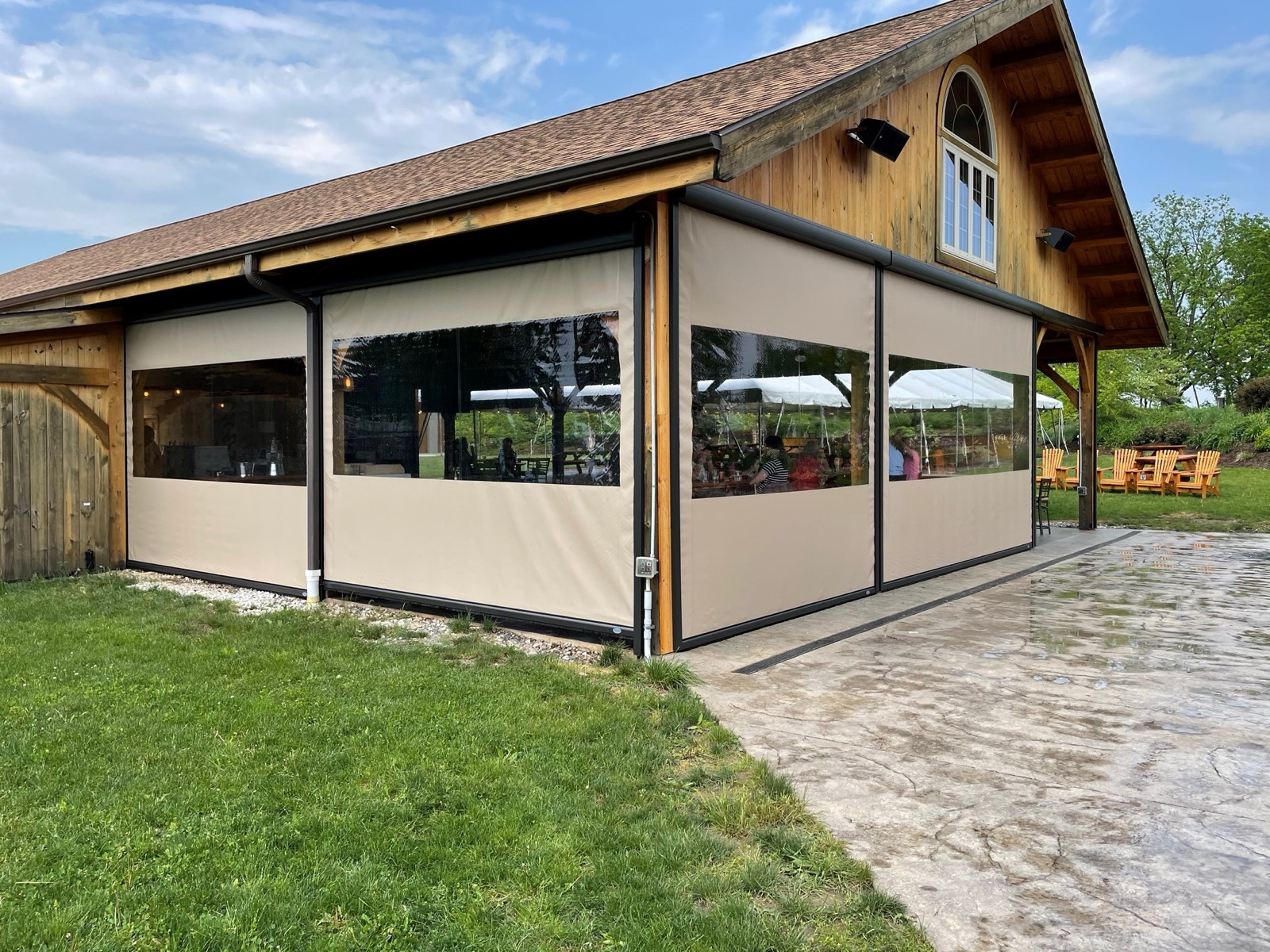
When temperatures are below 45 degrees, especially on systems with vinyl windows, deploy the screens and leave them down overnight. Lower the system before temperatures drop below 50 degrees to keep the dimensional stability of the panel and to keep the vinyl from contracting or cracking.
Resetting or adjusting the limits on a MagnaTrack screen
The limits are the preset top and bottom stop positions. Resets and adjustments can be made from the remote control. The steps depend on which motor your system has.
SIMU or Somfy motor
- Let the screen rise or descend until the motor stops, even if the screen is not at the position you want.
- With the screen at the preset limit you want to adjust, press and hold both the Up and Down buttons at the same time for 7 to 10 seconds, until the motor and weight bar jog up and down.
- After the motor jogs, raise or lower the screen to the desired position.
- Press and hold the Stop button until the motor jogs. This encodes the new limit and completes the programming.
Gaposa motor
The top or bottom limit can be adjusted from any position of the weight bar. The Program button, marked FC, is on the back right of the remote.
- Top limit: press and hold the FC button and the Up button at the same time for 3 to 5 seconds, until the motor jogs. Adjust to the desired position, then press and hold Stop to encode the new limit.
- Bottom limit: press and hold the FC button and the Down button at the same time for 3 to 5 seconds, until the motor jogs. Adjust to the desired position, then press and hold Stop to encode the new limit.
If you do not complete the reprogramming in two minutes or less, or do not press Stop to encode, the motor reverts to fail-safe mode. If that happens and the motor only spins a quarter turn up or down, contact the authorized dealer that installed your system. For screens we installed, call us at (404) 368-3174.